

Smart grocery lists,sorted in seconds.
Turn any saved recipe into one organised shopping list. Recily combines ingredients, removes repeats, and keeps every shop easy to follow.
Explore grocery lists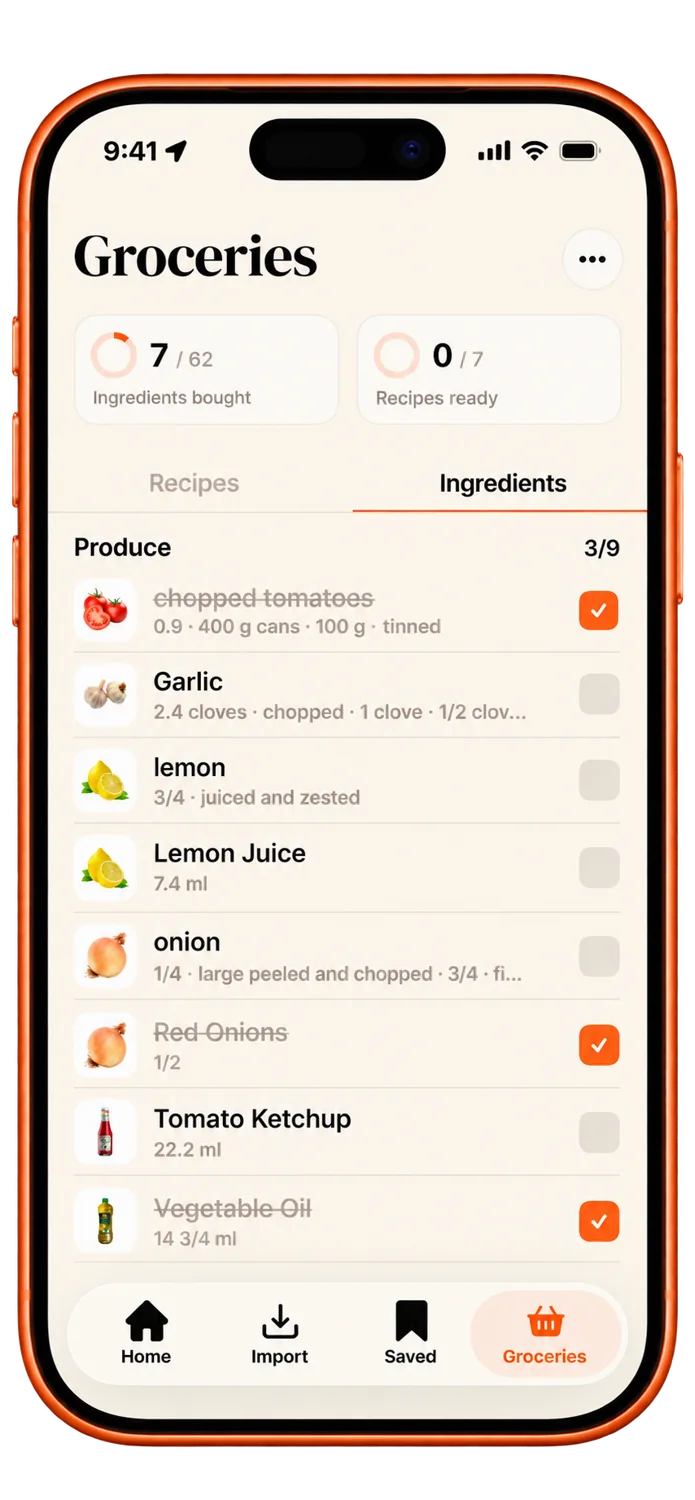

Your recipe organizer and grocery list app for iPhone.
Download for freeTurn any saved recipe into one organised shopping list. Recily combines ingredients, removes repeats, and keeps every shop easy to follow.
Explore grocery listsExplore more than 500 recipes for quick lunches, weeknight favourites, special occasions, and everything you feel like cooking next.
Explore recipe organization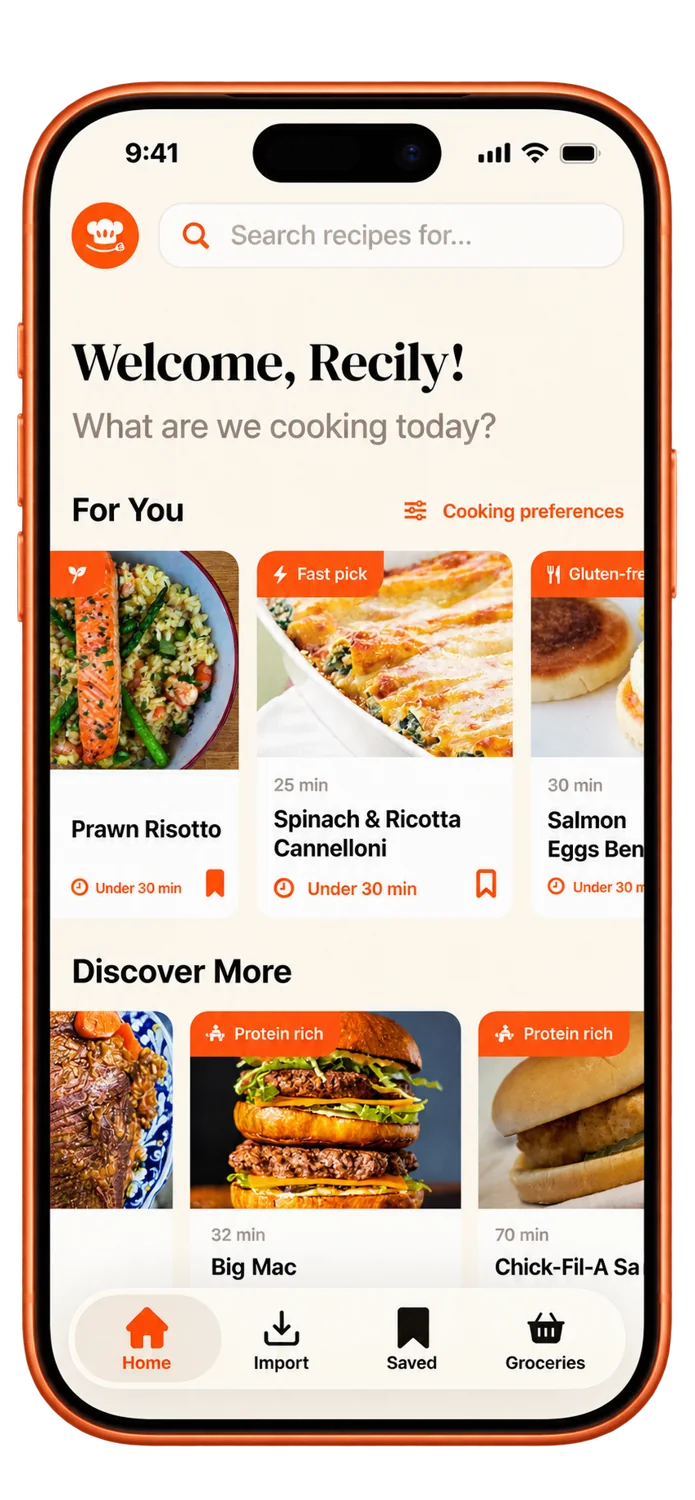
Bring recipes in from social media, websites, photos, screenshots, scanned pages, or your own notes—all into one beautifully organised place.
Explore recipe importing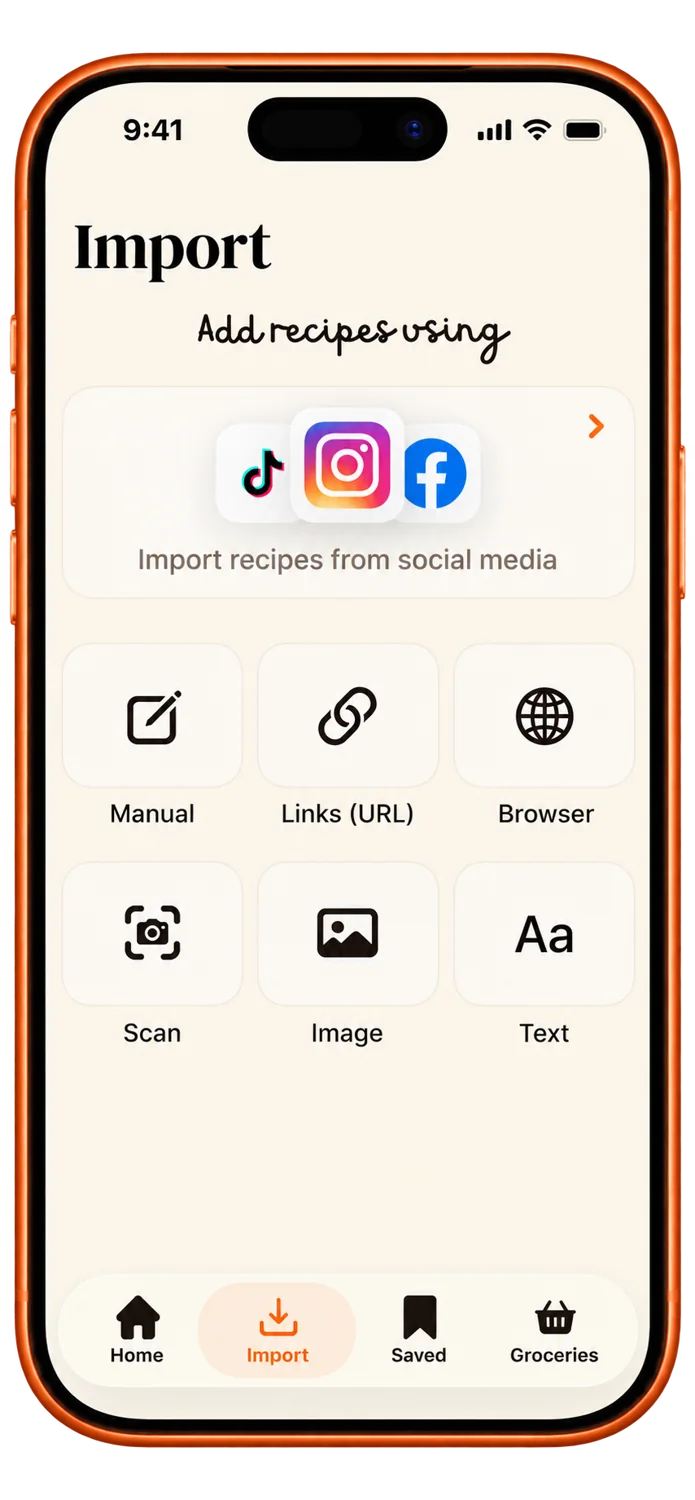
Recily is a recipe organizer and grocery list app for iPhone. Save recipes from supported websites, social posts, photos, screenshots, scanned pages or your own notes, then keep them together for cooking and shopping.
Import a recipe from a supported social post or website, paste copied text, or use a photo, screenshot, or scanned page. Recily extracts recipe details for you to review and save. Some sources restrict access, and AI imports can contain mistakes, so check ingredients and cooking steps before using them.
Yes. Browse Recily’s curated recipe collection when you need an idea, then open and save the recipes you want to cook.
Add ingredients from your recipes to Groceries, then use one focused list while you shop. Checked items and recipe ingredients stay easy to revisit when you are ready to cook.
Yes. Signed-in users can keep imported and saved recipes available for offline reading. Your library refreshes when you are connected again. Importing new content requires a connection.
Yes. Recily lets you adjust servings and move recipe ingredients into your grocery list, so the recipe fits the meal you are planning.
Recily is designed for iPhone. The App Store listing provides the current device compatibility and iOS requirements.
Open Manage Subscription in Recily’s Profile section or use Apple subscription settings to view or cancel your plan. Deleting the app or your Recily account does not cancel an Apple subscription.